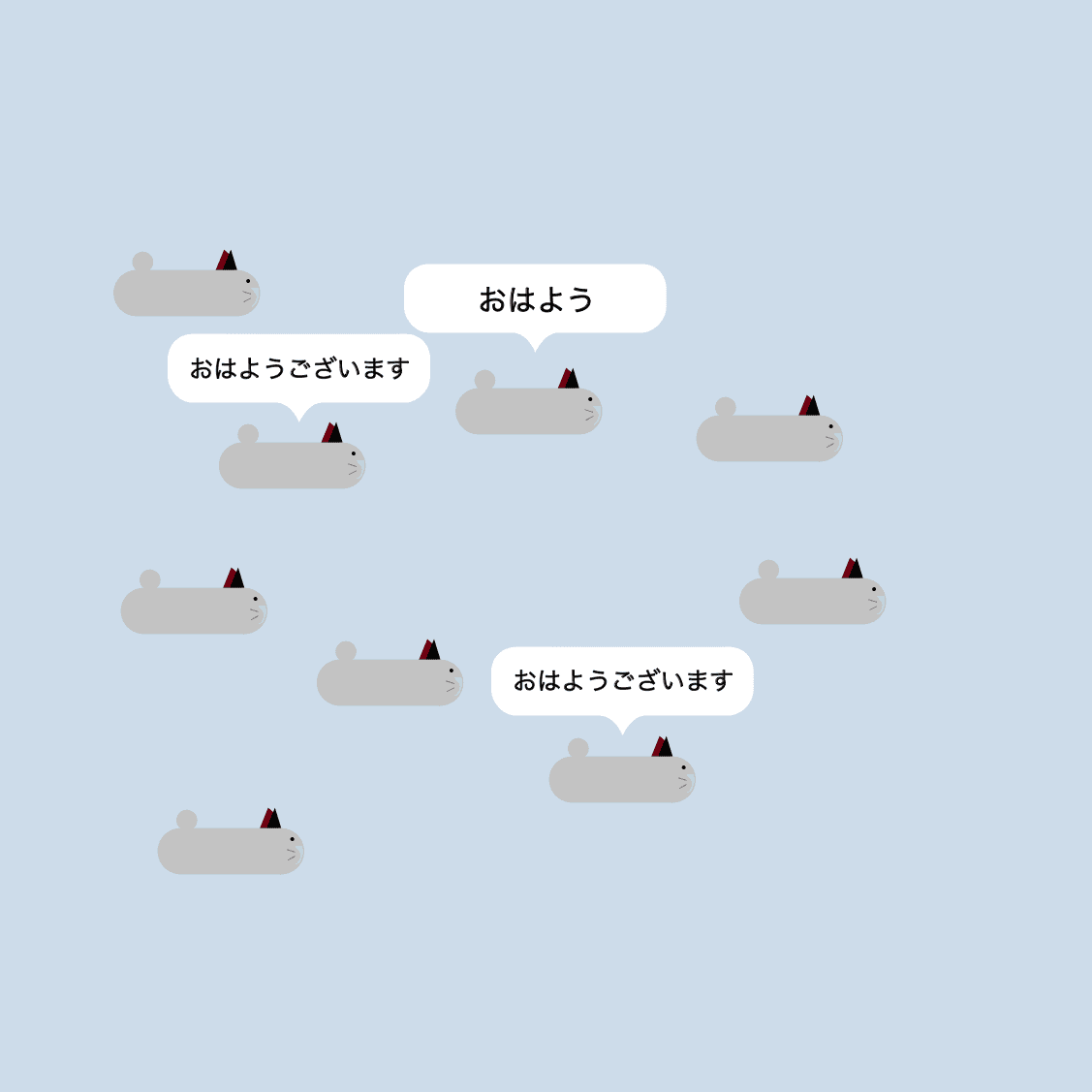
A game where more than 10 players can move around and chat together. Scratch only allows up to 10 cloud variables, but by sharing each player’s identifier, this project allows more than 10 players to join at the same time.
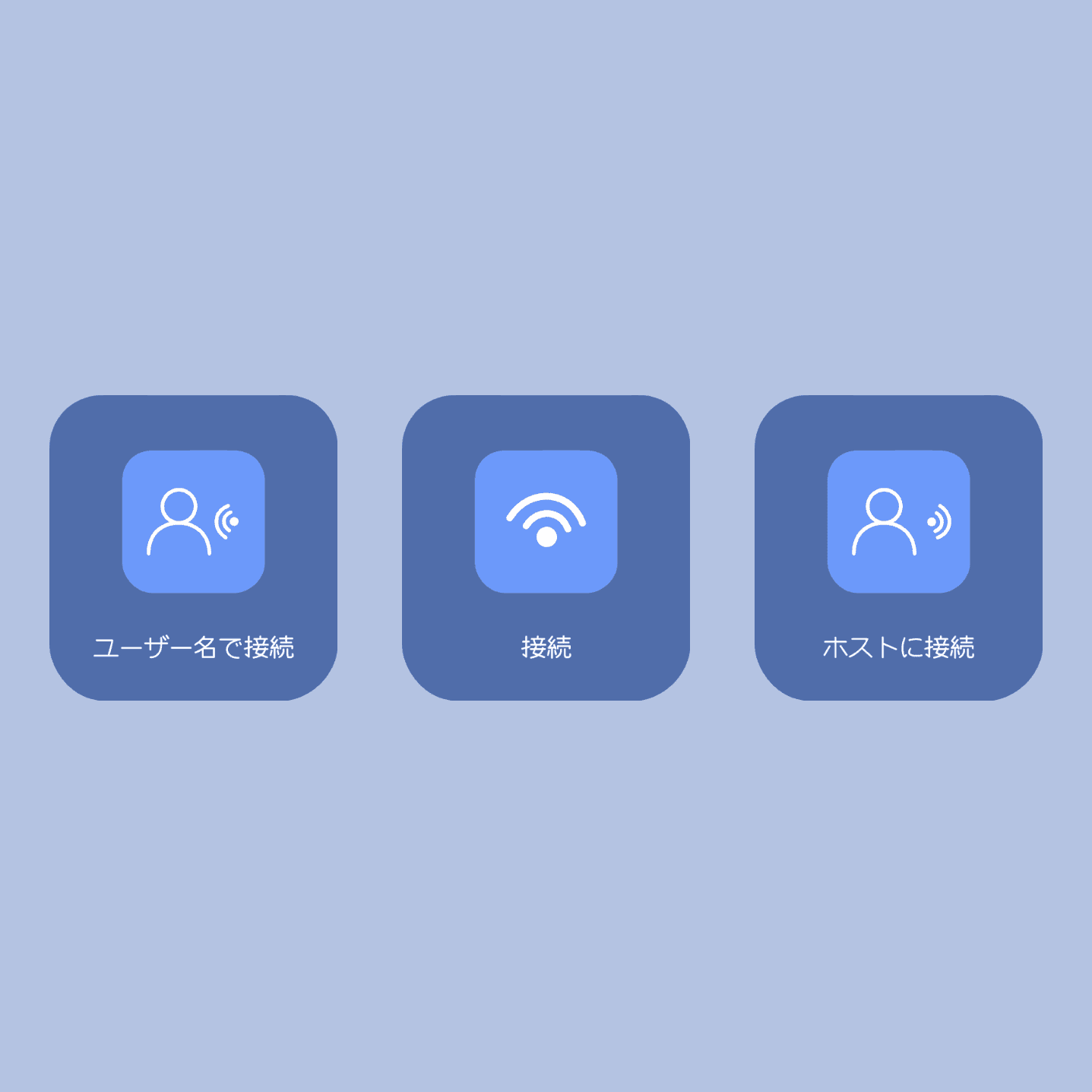
Press Connect by Username to play with exactly one other person whose username you specify.
Press Connect to play with multiple people without specifying usernames.
Press Connect to Host to connect to a host that is currently available. When using Connect by Username, the other player must be waiting. When using Connect, the host must already be playing.
Connect by Username
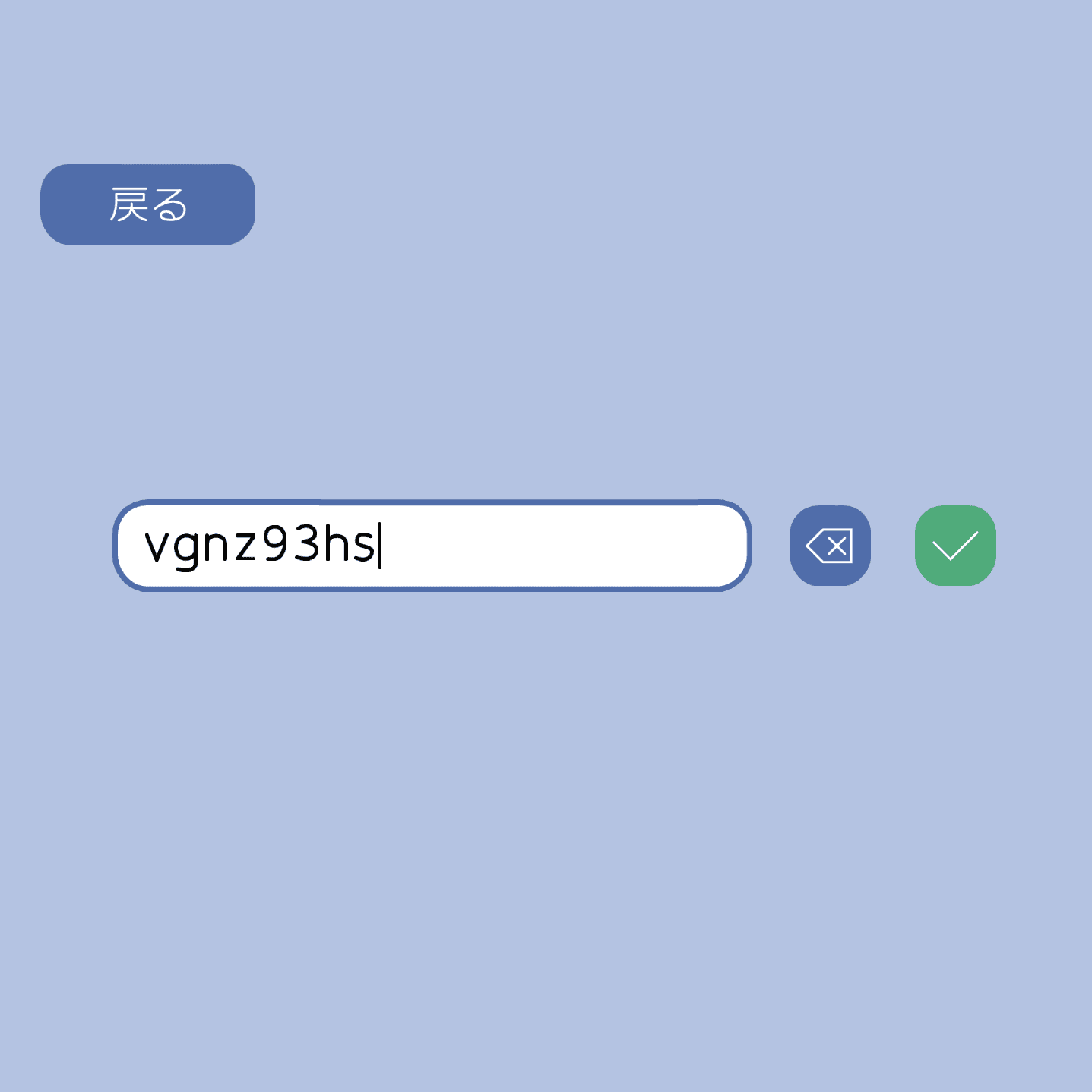
Press the button to display a text box. Enter the username of the person you want to connect to using your keyboard. Press the check button when you are finished to start waiting. You can start playing once the other player connects through Connect to Host.
Connect
Press the button to start the game. Other players will appear on the screen when they join. With Connect, the frame rate may decrease, but more than 10 players can still connect at once.
Connect to Host
Press the button to display the hosts you can connect to. Click a host to connect.
Controls
Use the arrow keys to move your player and press T to open the chat.