I created an online multiplayer typing game using Next.js, Node.js, and Socket.IO. Players can compete with each other in real time over the internet.
Ei-TypeBomb is an online multiplayer typing game. Players take turns passing a bomb to one another by correctly typing words. Up to six players can join a match, and the player holding the bomb when the timer runs out loses. The game can also be played on smartphones.
How to Play
Connecting
Click Play, enter a display name, and wait for the connection to complete. Once connected, your display name will appear on the screen.
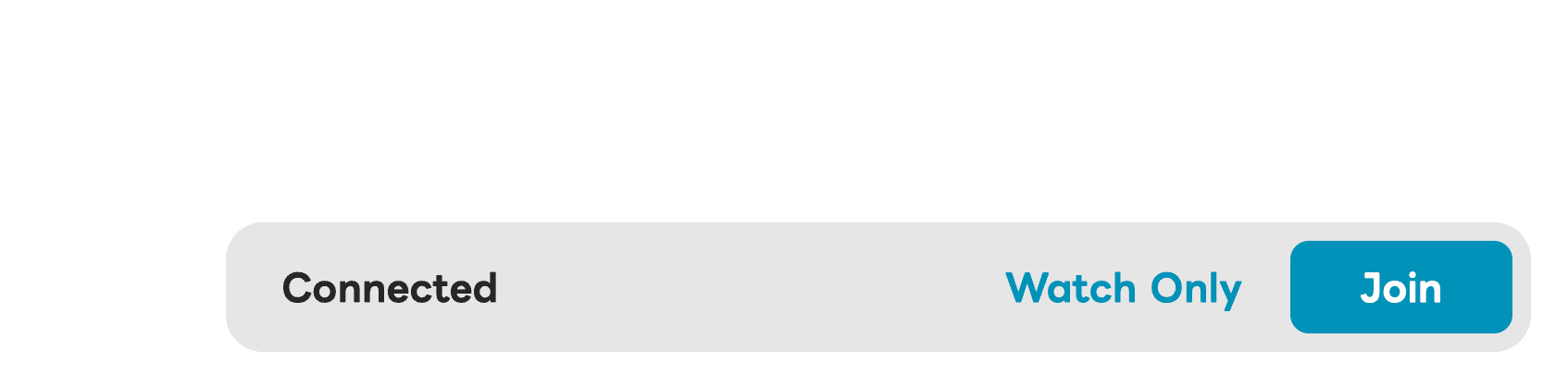
Click Join to enter a room and participate in the game.
Select Watch Only if you would like to spectate a room without joining the game.
Gameplay
When Start Game is pressed, the match begins and one player is randomly given the bomb.
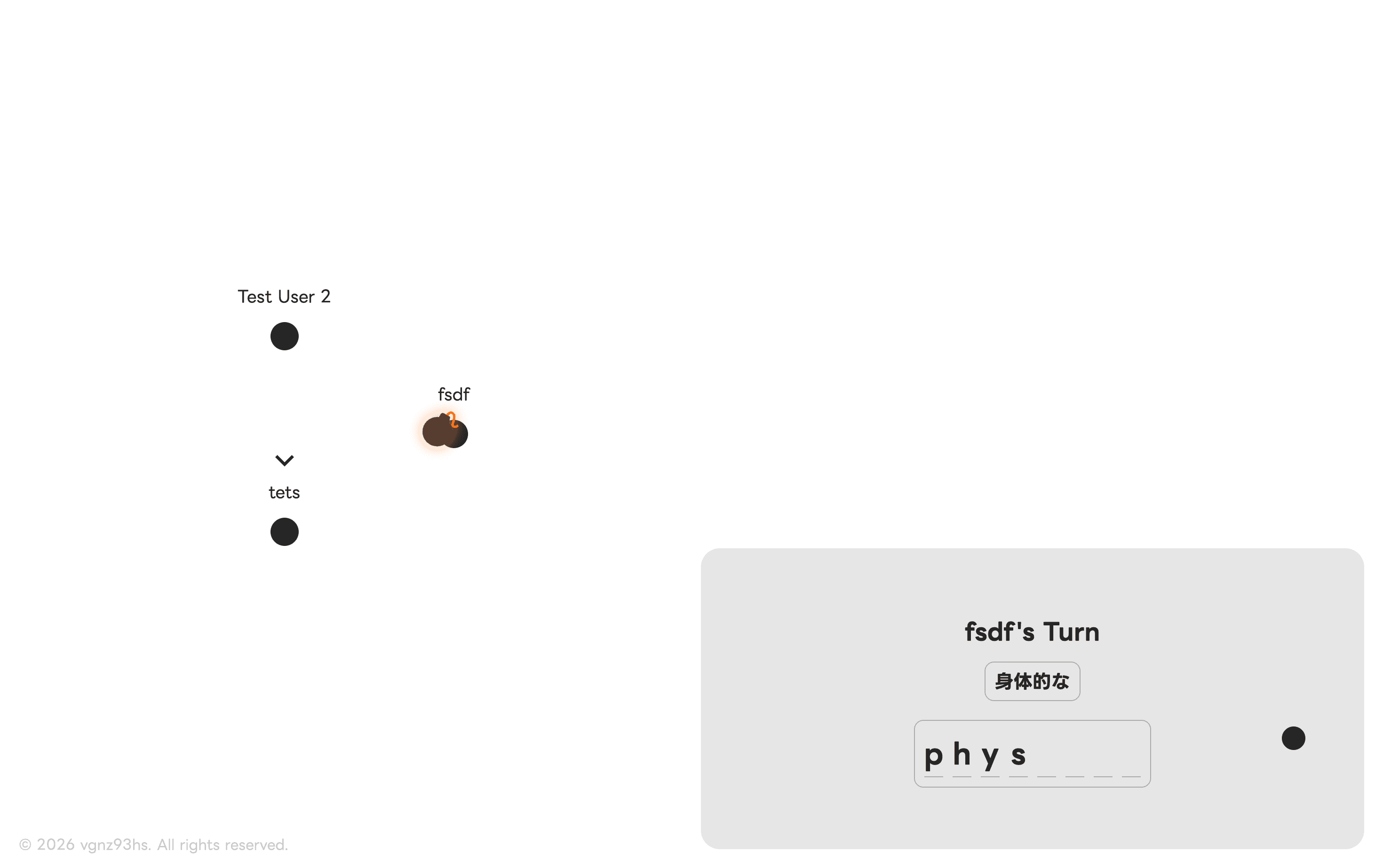
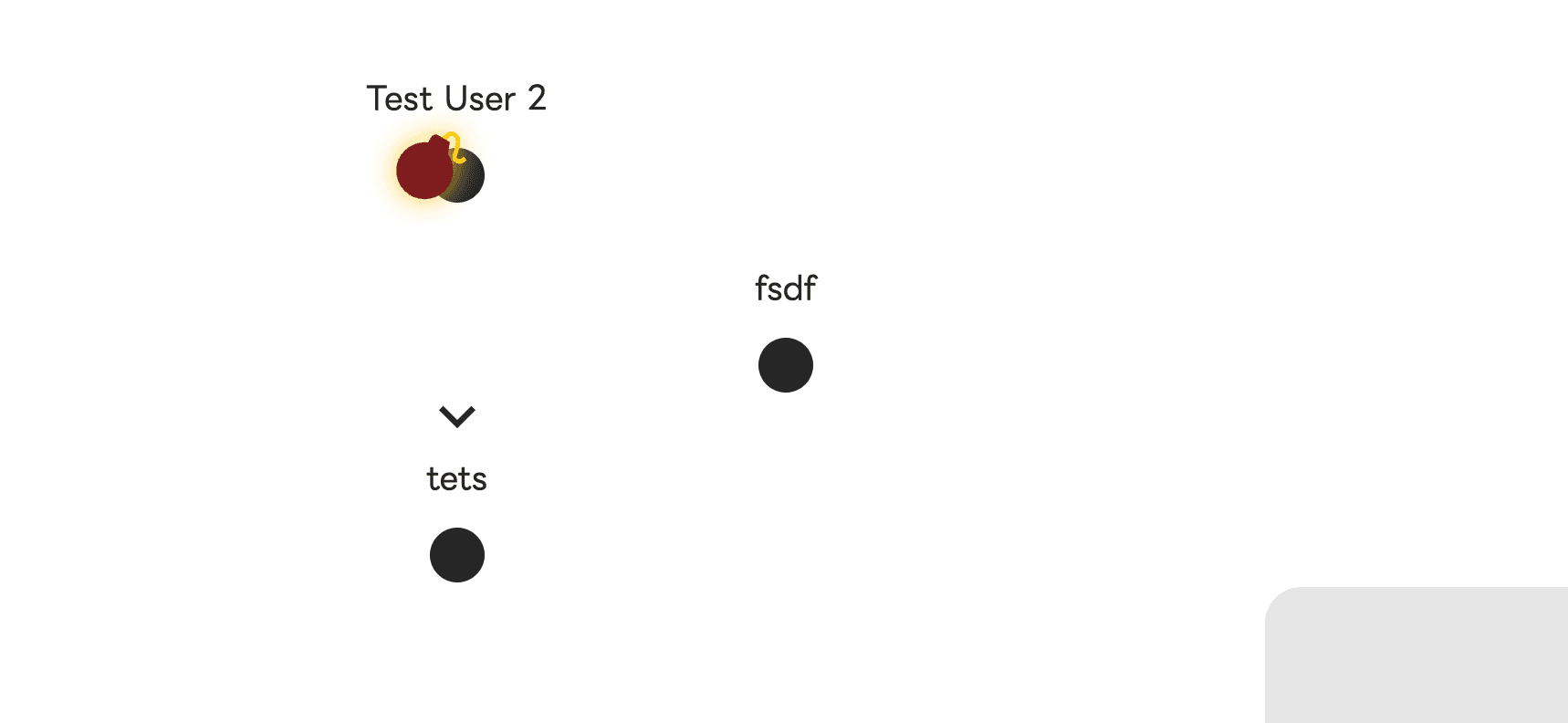
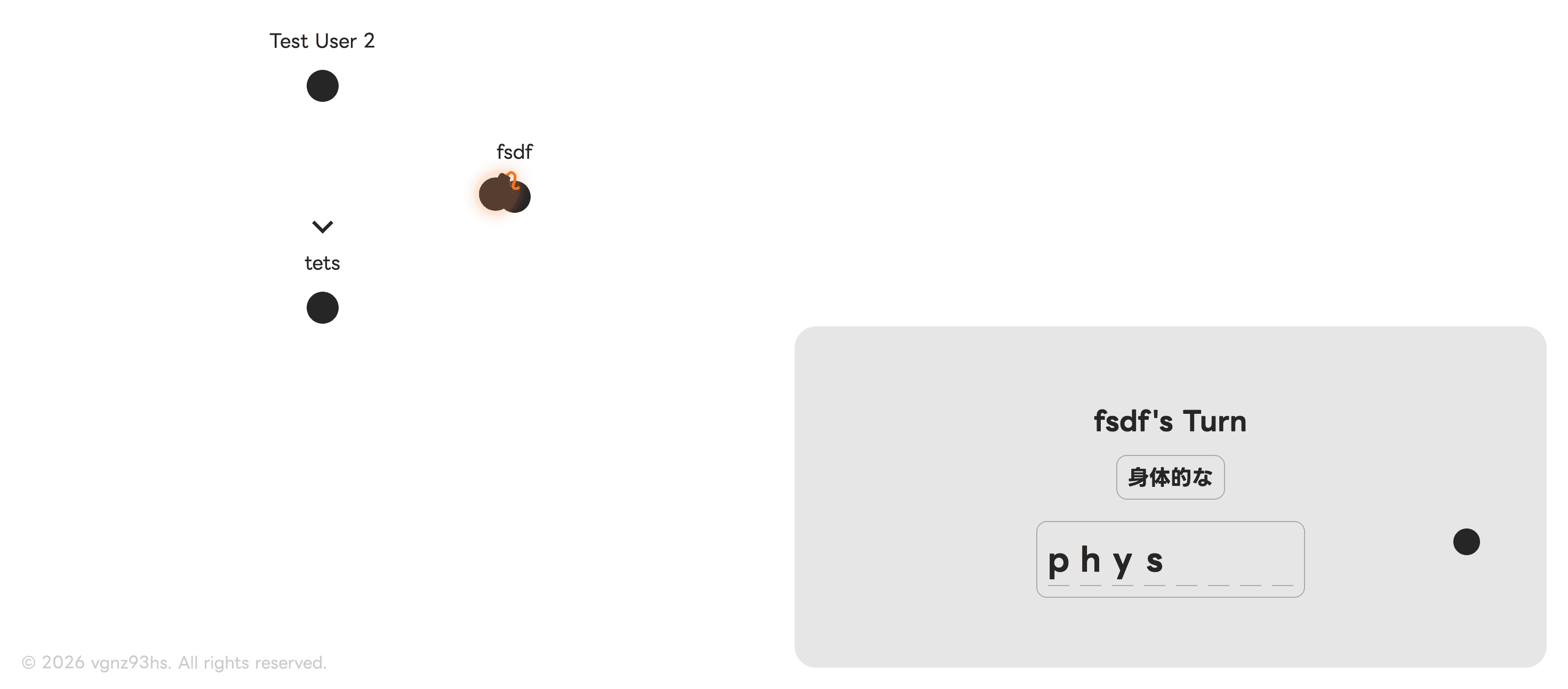
On the left side of the screen, you can see all players currently in the room and identify who is holding the bomb.
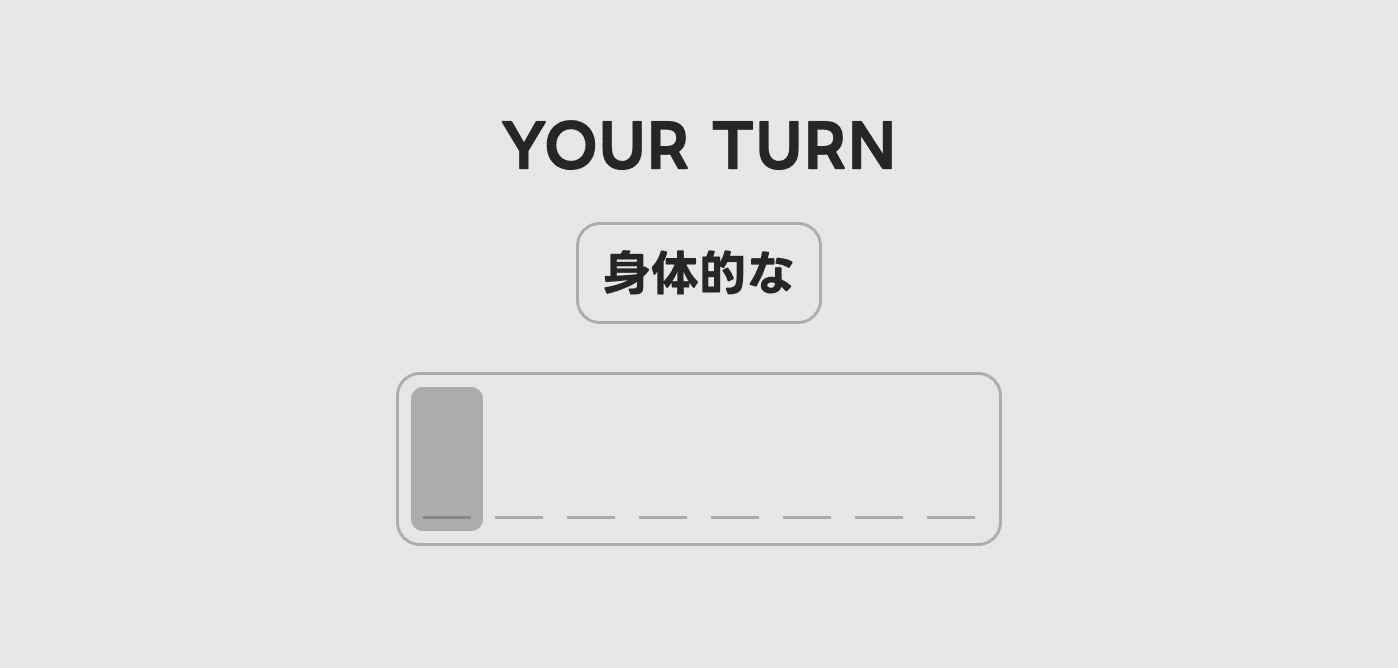
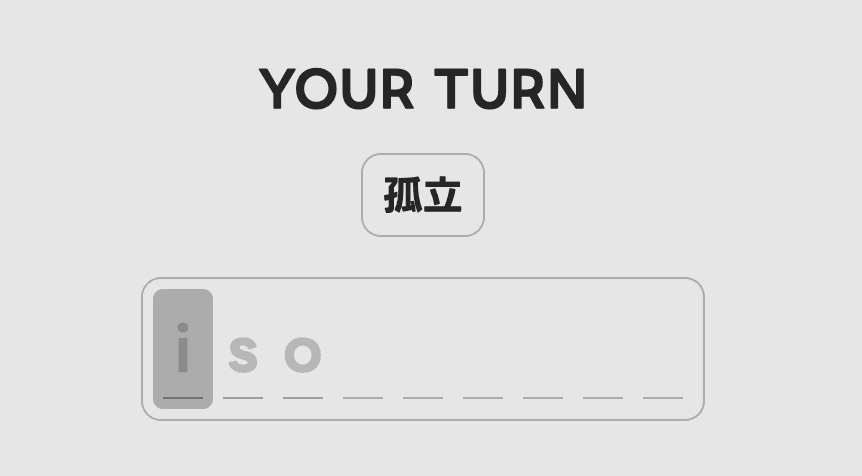
The player holding the bomb must type the English spelling of the Japanese word shown on the right side of the screen.
Each time a mistake is made, three additional letters of the correct answer are revealed as a hint. These revealed letters must also be typed correctly.
When another player is holding the bomb, you can watch their typing progress in real time.
As the game progresses, the bomb gradually changes color from black to red. When the timer reaches zero, the bomb explodes and the player holding it loses the round.
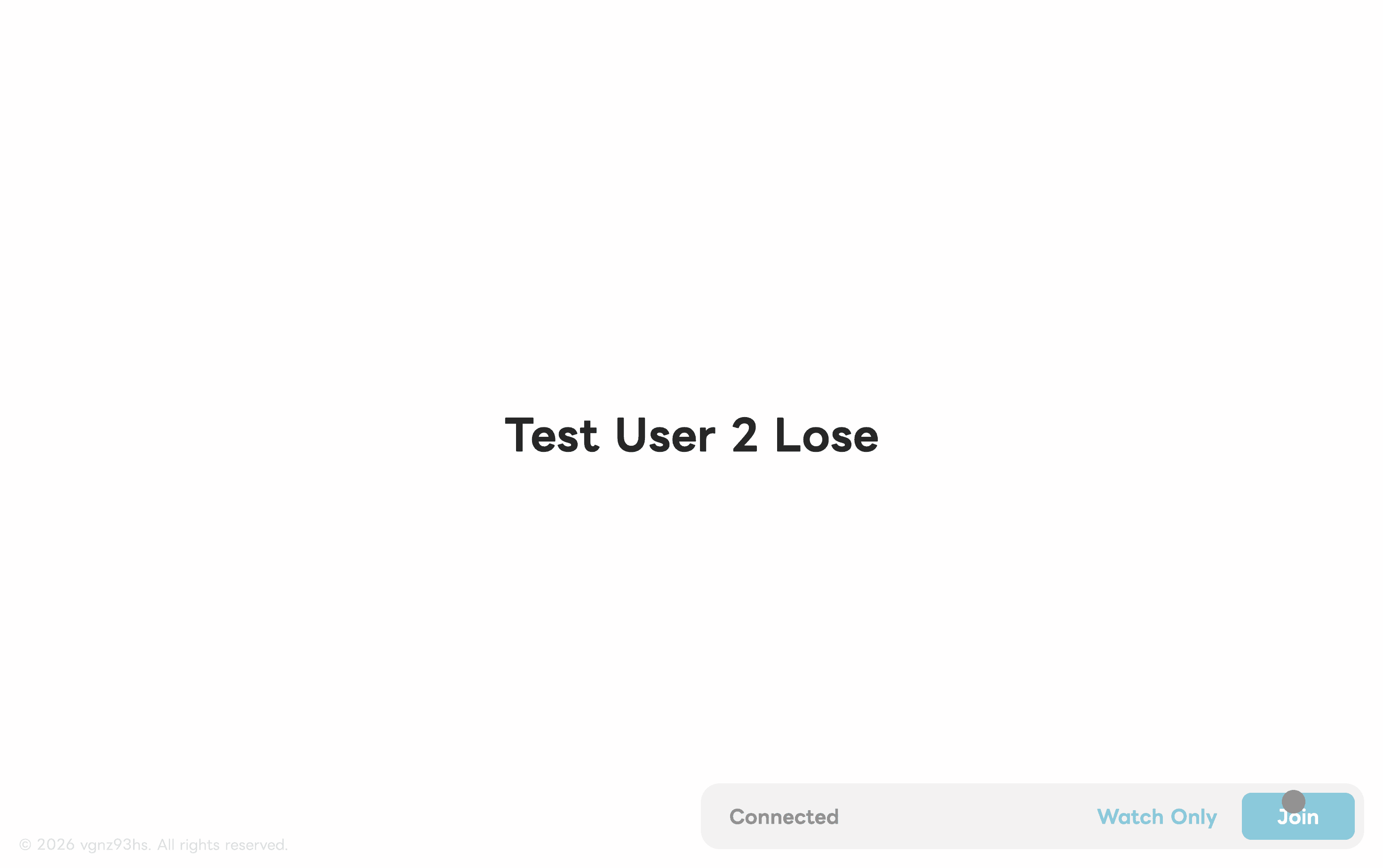
After the game ends, the losing player's display name is shown on the results screen.
Settings
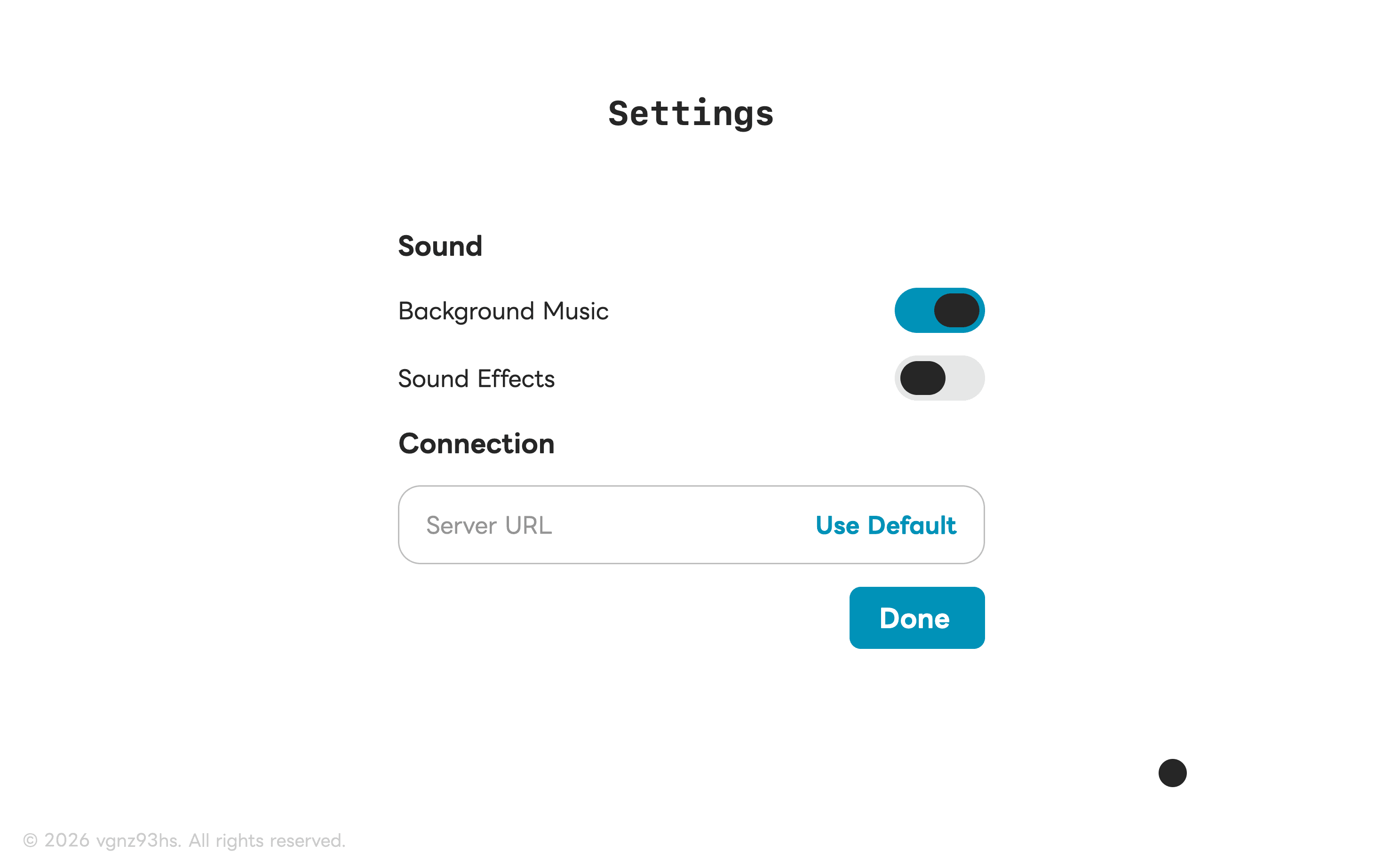
The settings menu allows players to enable or disable background music and specify a custom server URL if they want to connect to a different server.
Networking
The game uses Socket.IO for real-time communication between clients and the server.
Player connectivity is monitored by periodically sending a random string and checking whether the same string is returned. This is used to determine whether a player is still connected.
Whenever an action occurs on the server, updated room information is sent to all connected clients.
Design
The game features a custom circular cursor that smoothly morphs into the shape of buttons when hovered over, creating a more seamless and interactive user experience.
Credits
- Sound Effects: 30ra
- Background Music: MER6101