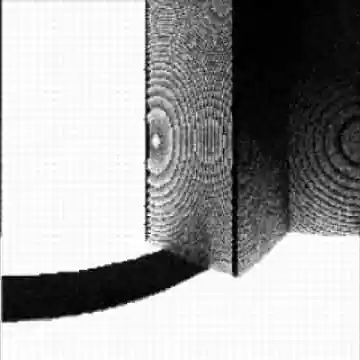
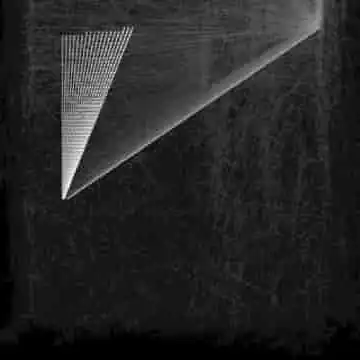
A 3D rendering engine created in Scratch. It uses ray tracing to calculate which points in 3D space correspond to image pixels and generates an image through repeated processing.
Links
You can try the project using the links below.
How to Use
Rendering Settings
First, use the W and H sliders to set the image size. W controls the number of horizontal pixels and H controls the number of vertical pixels.
Use FOV to set the camera’s field of view.
Rendering an Image
After configuring the rendering settings, press the space key to start rendering. Depending on your computer and the rendering settings, rendering may take some time. Progress is shown with a progress bar.
When rendering is complete, the image is displayed. To adjust its brightness, change Image Brightness.
What Is Ray Tracing?
Traditional 3D rendering projects 3D coordinates onto 2D coordinates, which makes it difficult to represent lighting changes caused by light direction.
Ray tracing instead simulates individual rays of light and their reflection angles, making it possible to represent light more realistically.
Because ray tracing simulates rays one by one, it can be computationally expensive. I would like to improve performance in the future, for example by precomputing trigonometric functions.
This project also derives image pixels directly from angles, which causes the resulting image to appear distorted.