
Song: Fredji - Happy Life (Vlog No Copyright Music) Music provided by Vlog No Copyright Music. Video Link: https://www.youtube.com/watch?v=KzQiRABVARk
Links
How to Use
Importing Text
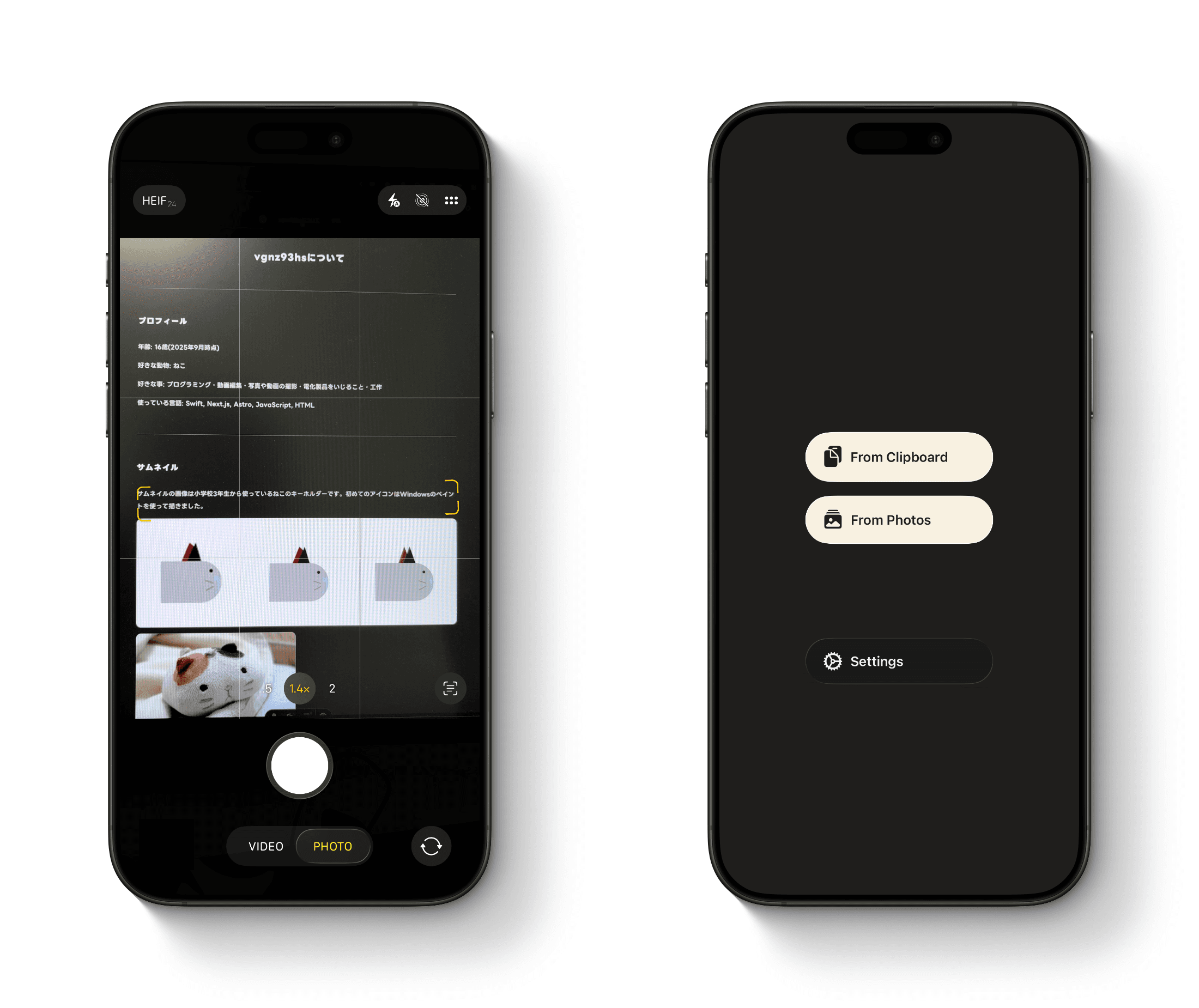
Swipe left on the screen to open the camera. Take a photo of the text you want to read.
After taking a photo, the app uses OCR to extract the text automatically.
Swipe right to access additional options. You can import text from the clipboard or extract text from images in your photo library.
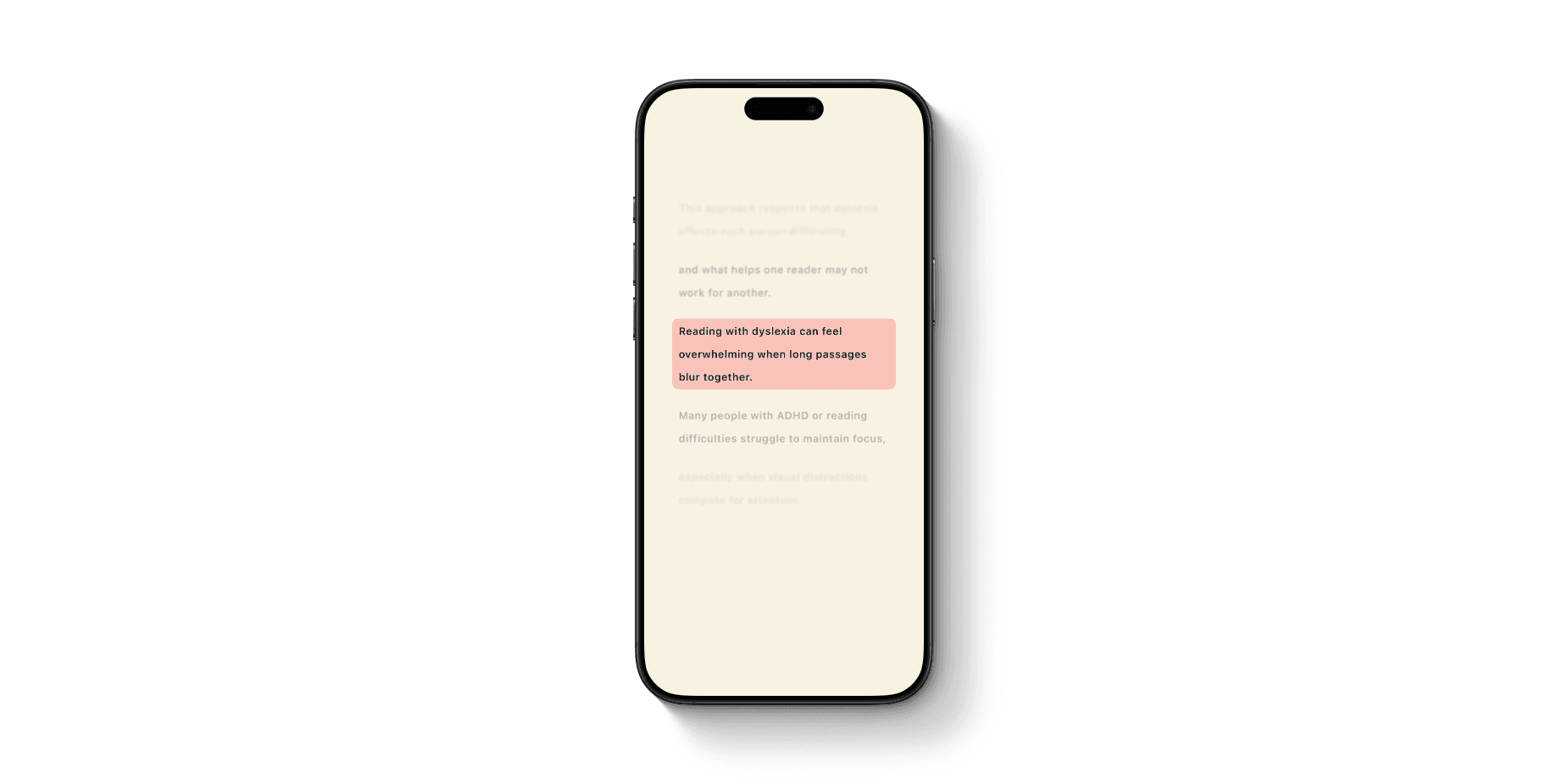
The app separates navigation gestures between the left and right sides of the screen.
Tapping the left half of the screen highlights the tapped section.
Tapping the right half moves the highlighted line forward or backward depending on the tap direction.
When you scroll the page, highlight mode is temporarily disabled and the entire text becomes visible.
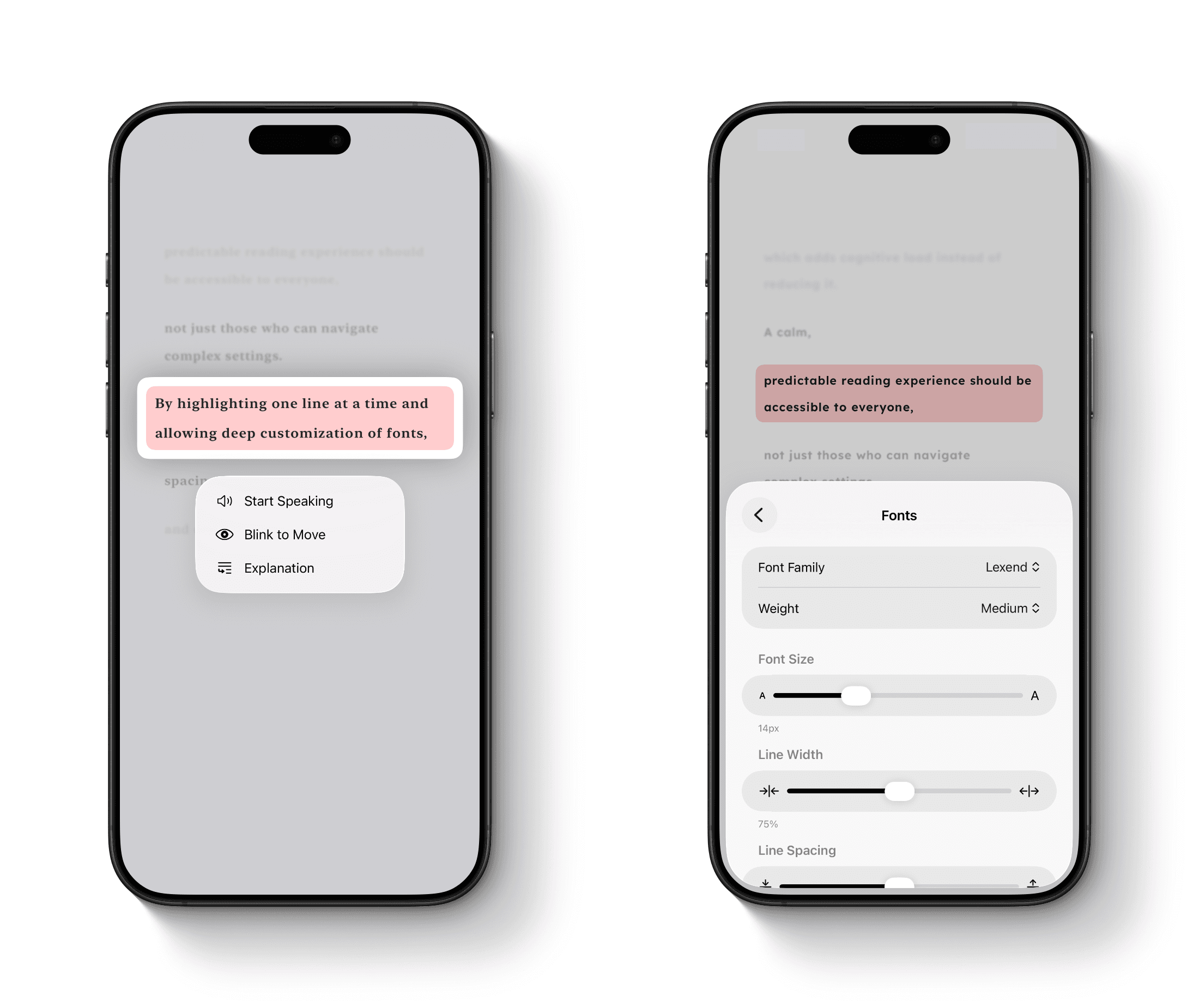
Long-press any section to access additional features.
- Read Aloud: Reads the text aloud while highlighting the currently spoken section.
- Blink Detection: Uses the front-facing camera to detect blinks and move between lines.
- Explain: Uses AI to provide a simplified explanation of the selected section.
When the settings panel is opened, the upper half of the screen continues displaying the text so that changes can be previewed in real time while adjusting settings.
Why I Created This App
I originally created this app because I personally struggled with reading long passages of text and often lost track of which line I was reading.
Key Features
- Accessibility and Convenience: No additional hardware is required. Gesture-based controls allow users to interact with the app quickly and naturally.
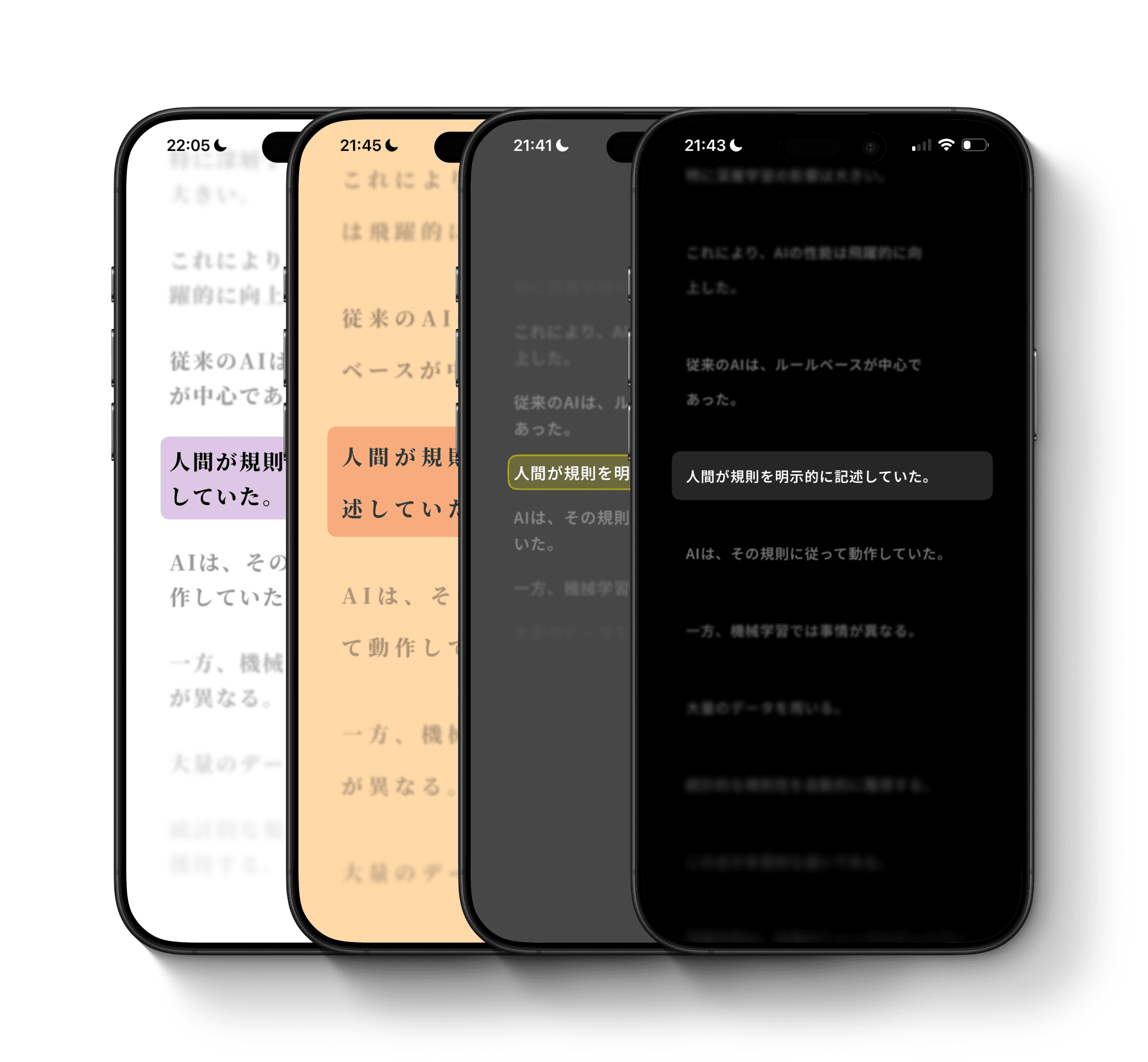
- Consistent Reading Environment: Whether reading digital text or printed documents, users can read within their preferred visual environment.
- Highly Customizable: Users can adjust various settings to create a reading experience that works best for them.
Design Considerations
- Instant Accessibility: The app is designed so users can begin scanning and reading immediately after launch.
- Minimal Interface: To reduce distractions, the reading screen contains no unnecessary buttons. All primary interactions are handled through gestures.
- Feedback: Different haptic feedback patterns are used to help users recognize when the highlighted line changes.
- Hands-Free Operation: For users who want to read using only their eyes, the app supports blink-based navigation, allowing highlighted lines to be controlled without touching the screen.