
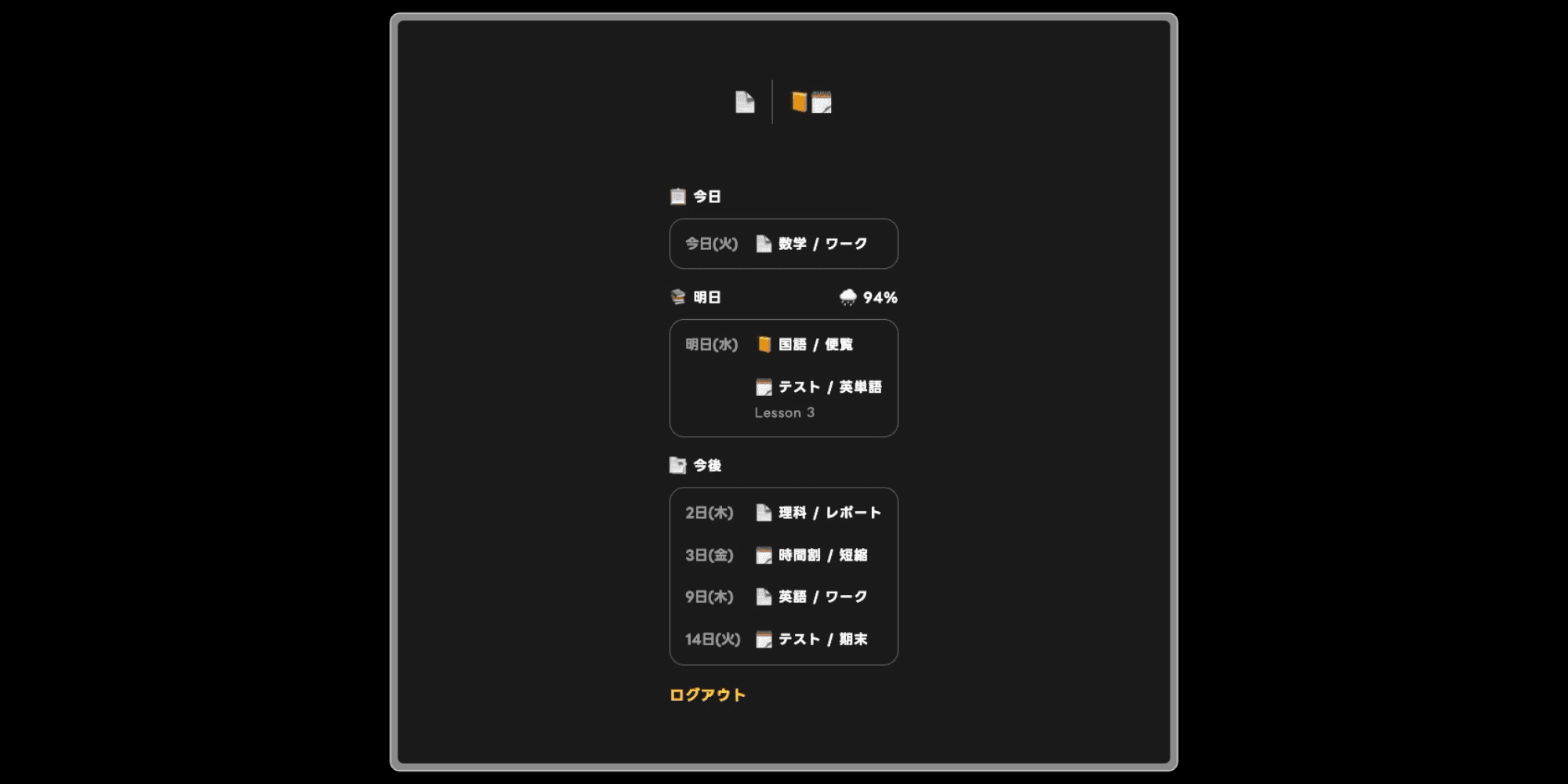
The schedules shown are fictional.
About This Program
I built this web app to help prevent missed assignment deadlines and forgotten items in school life, while making upcoming schedules easy to understand at a glance.
It visually displays scheduled items within 30 days based on information registered in the iPhone’s Reminders and Calendar apps.
Sign In
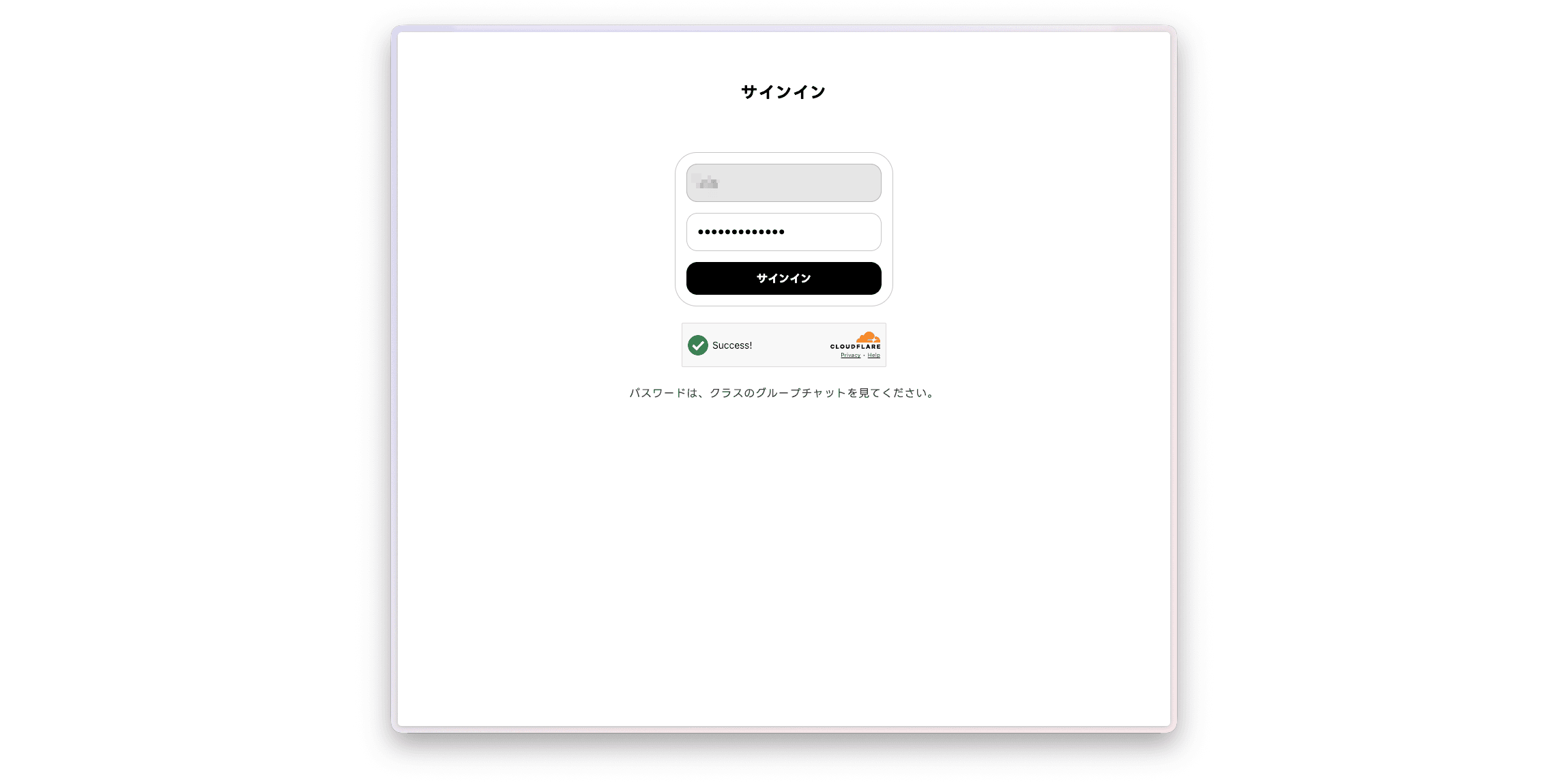
When you enter the password distributed to the class, the server authenticates your account. If authentication succeeds, you can access the items in the list.
Types of Reminders
You can create three types of reminders depending on their purpose.
Assignment
A countdown reminder appears starting five days before the submission deadline.
A notification is also shown on the deadline day to help prevent forgotten submissions.
Event
Tests and school events can be registered and are reminded from five days in advance.
Unlike assignments, there is no reminder on the day of the event.
Items to Bring
Items you need to bring are reminded only on the previous day.
How It Works
At a specified time, the iPhone Shortcuts app generates a message based on information retrieved from the Reminders and Calendar apps.
The generated message is sent to a Supabase database through an API.
The server authenticates the sign-in information provided by the client device. If authentication succeeds, the server retrieves the Supabase data and sends the text back to the client.
Users without valid sign-in information are redirected to the login form before the page is displayed.
Older Version
Previously, all schedule data was handled as plain text.
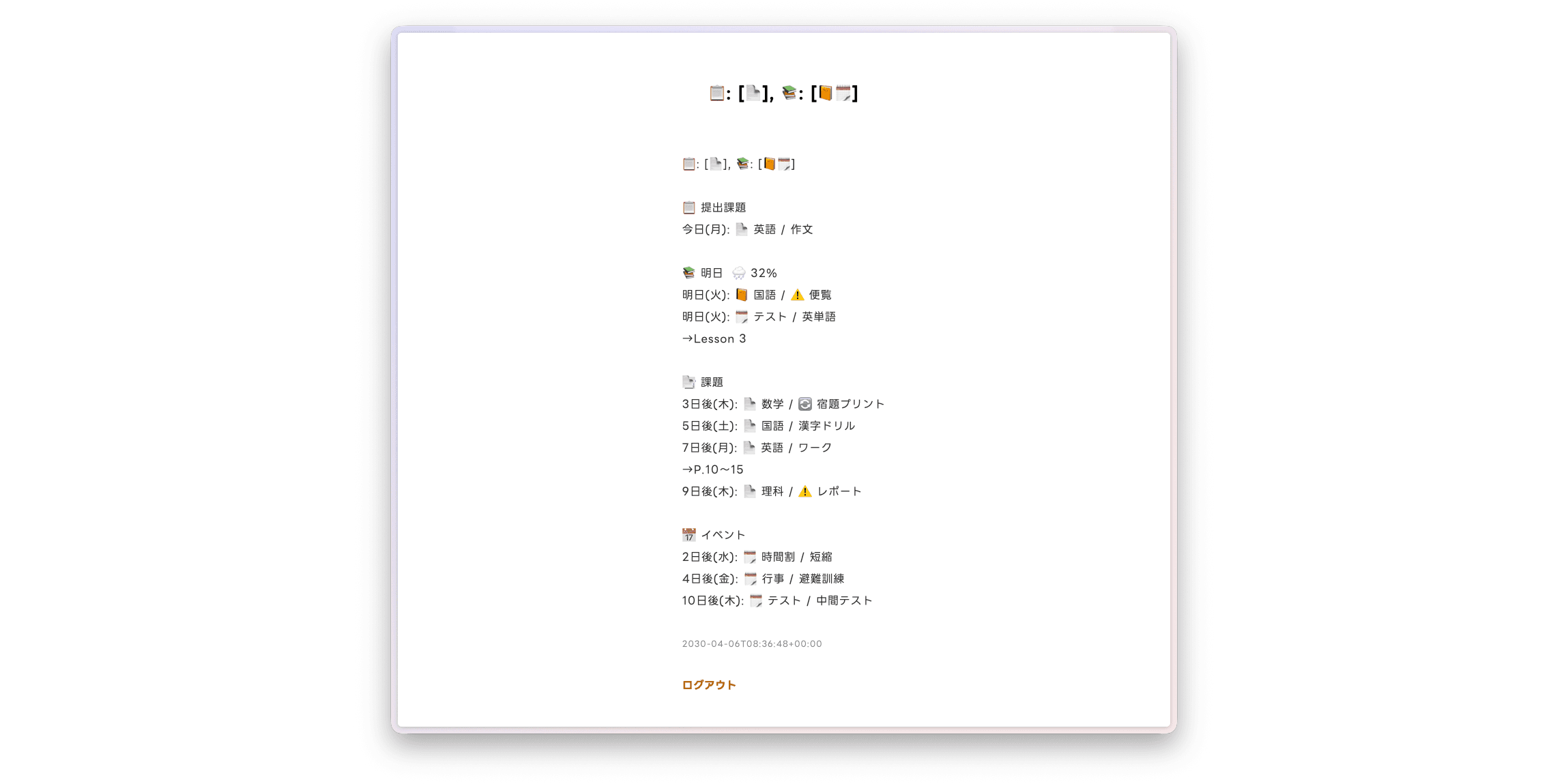
The current version sends the data in a JSON-like format so that items can be categorized individually.