Why I Made It
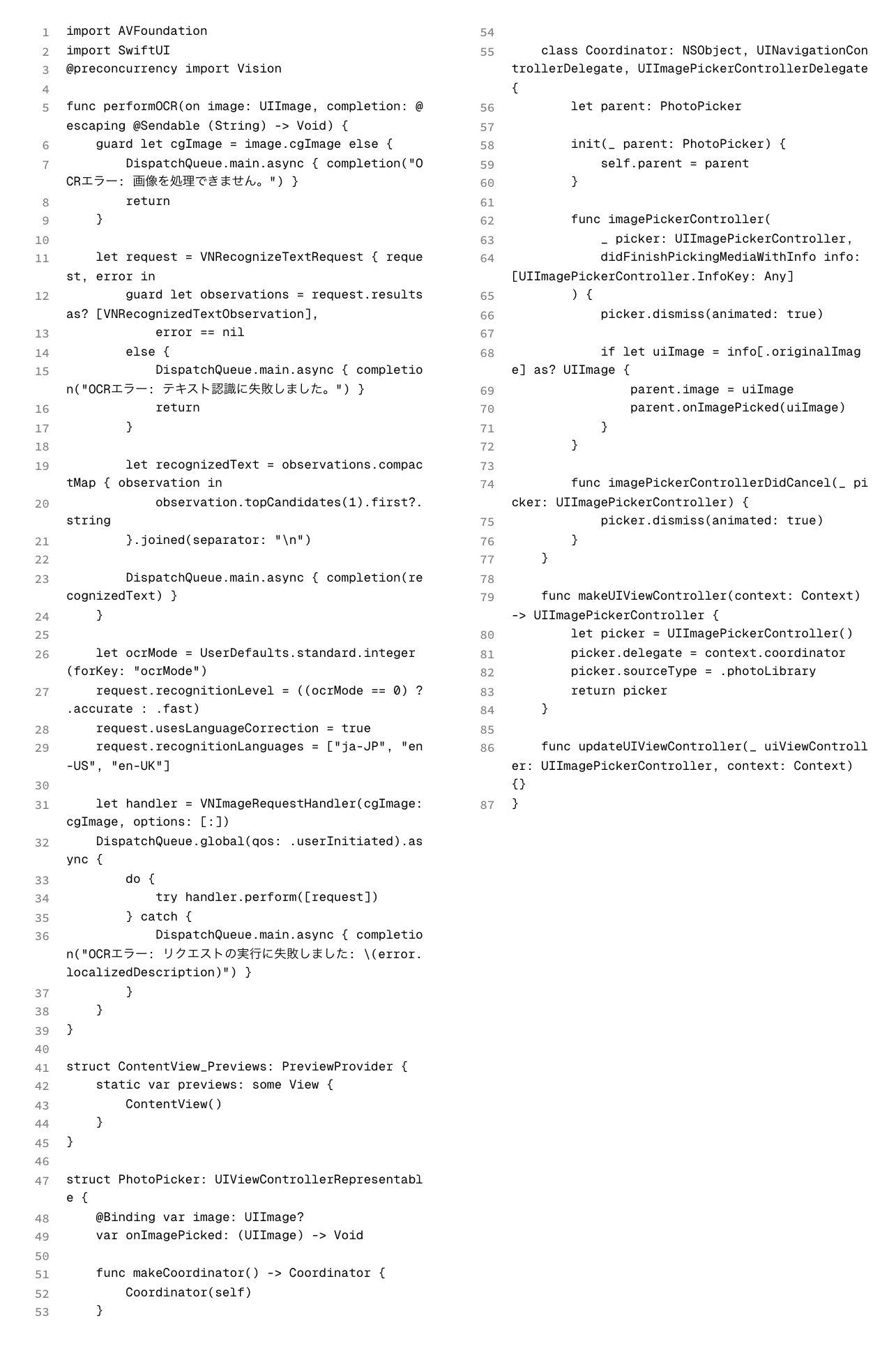
I created this program for submitting programming reports at school, specifically for situations where code needs to be included in a report.
It used to take a lot of time to add line numbers, use Google Docs tables to create a monospaced layout, adjust editor settings, and then take screenshots. I wanted to automate that process.
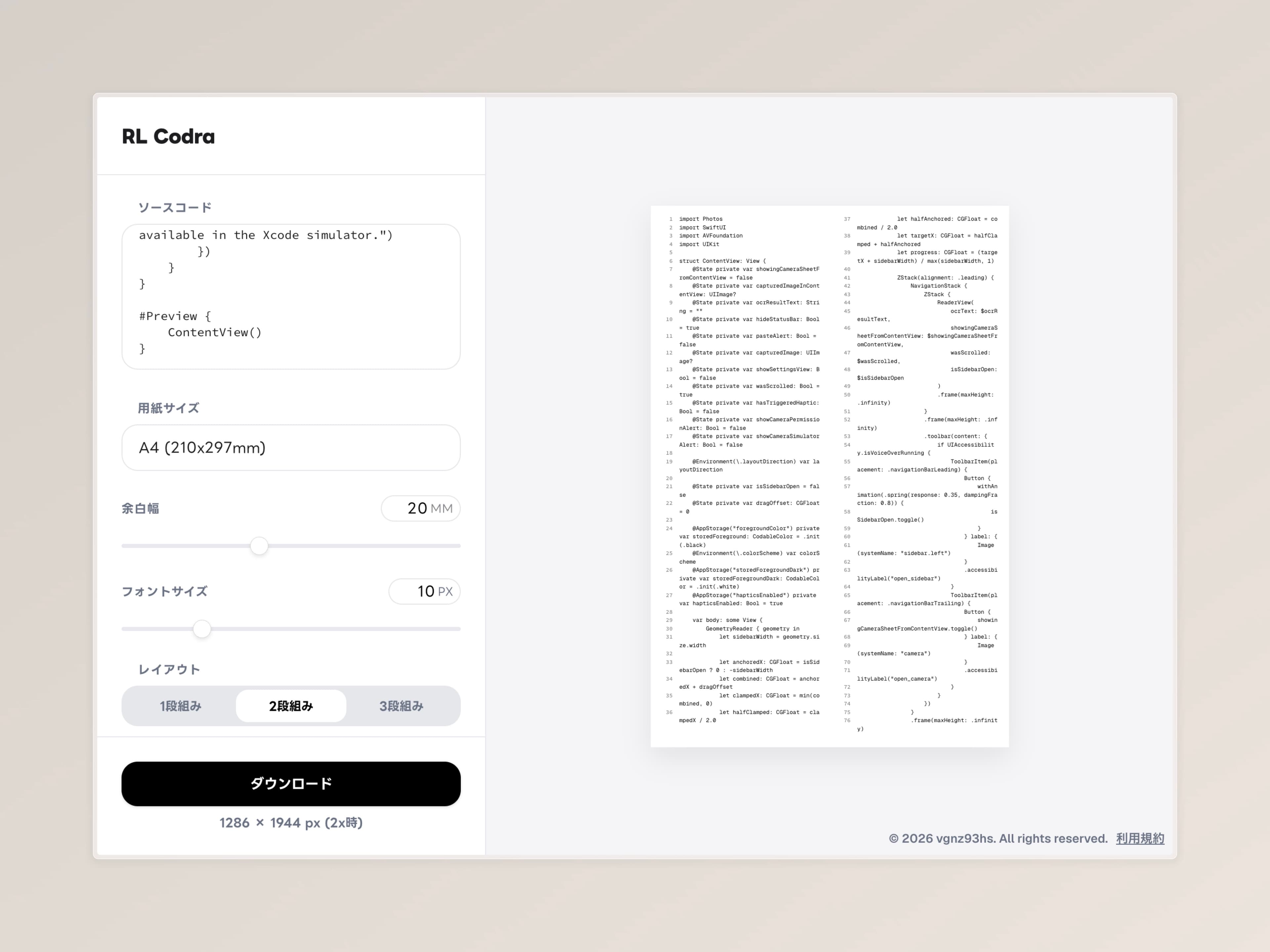
This program takes source code used in class and outputs a report-ready image with line numbers.
Design Focus
Size Settings
The size settings let you choose margins, and the image becomes smaller by the amount of margin you specify. This makes it easier to paste the image into a word processor without overflowing its borders.
Layout Settings
To avoid wasting paper when source code becomes long, you can choose between one-column, two-column, and three-column layouts.
Resolution Settings
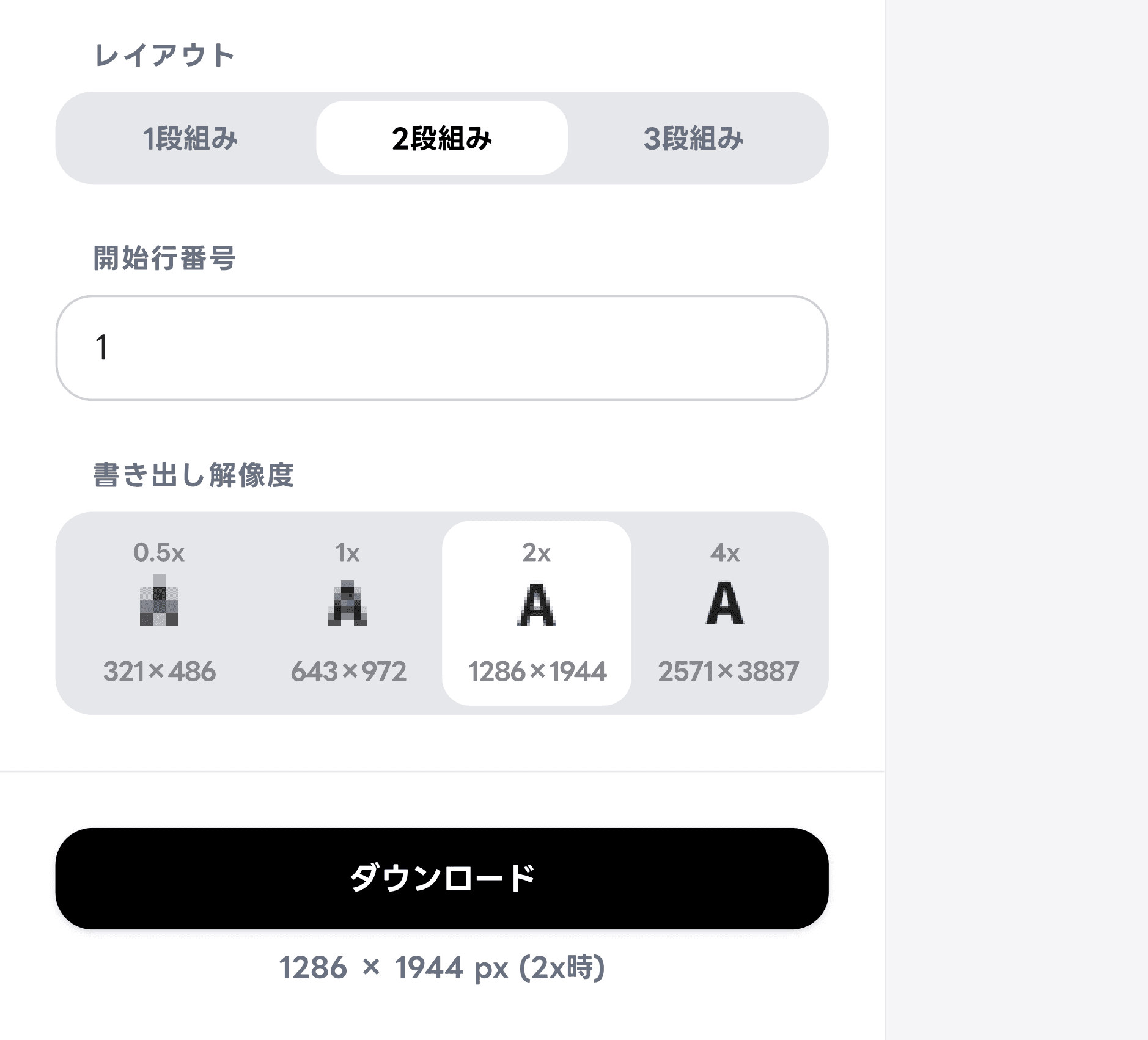
Export resolution can be selected while checking the actual visual sharpness. When the font size changes, the previews at each resolution update accordingly.
Exported Image Example